An OST file is linked to the Outlook profile that created it, so it will not be able to open on another computer and generally becomes unreadable once the Exchange or Microsoft 365 account has been disconnected or deleted. Because of this, many people end up with years of email messages, contacts and calendar entries trapped within a file that they can’t access. This article explains why this problem occurs and details the alternatives that are available. The BreviSoft OST Viewer Tool lets you open and read an OST file without having to use Outlook or Exchange; it can deal with orphaned and damaged files, offers a complete preview of the folders and items, and enables you to save the information you need in PDF format. The process can be carried out on any Windows PC without the need for logging into a server or connecting to the internet.
Table of Contents
Why does an OST file fail to open without Outlook?
An offline copy of a mailbox is known as an OST; Outlook is what creates it and links it to one profile and one server account. When you double-click it on another computer nothing takes place and if you rename it nothing occurs either.
It becomes even more of a problem when the server is shut down. For instance, if your company cancels Exchange, deletes your account, and leaves you with an OST file on an old laptop, Outlook will regard the file as orphaned and won’t be able to read it. That’s annoying.
Can you open an OST file manually?
Microsoft’s way of doing things is to recreate your Outlook profile and then resync it; however, this method will only work if the mailbox still exists on the server, since if the account has been deleted you end up with an empty profile.
Many people try to use the File > Open & Export option and are rejected by Outlook, since online free converters have difficulty handling large files and a 20 GB OST file is typical. Moreover, you should not upload your company email to an arbitrary website.
How to Open an OST File with BreviSoft OST Viewer Tool
The BreviSoft OST Viewer Tool is able to read the file directly from your drive without the need for Outlook, without requiring an Exchange login, without needing an internet connection, and it can also deal with orphaned and damaged files.
- Install and launch the BreviSoft PST Viewer Tool.
- Click Add File and pick your OST.
- Let it scan. A 5 GB file usually takes a few minutes.
- Browse the folders on the left, then click any email, contact, or calendar item to preview it.
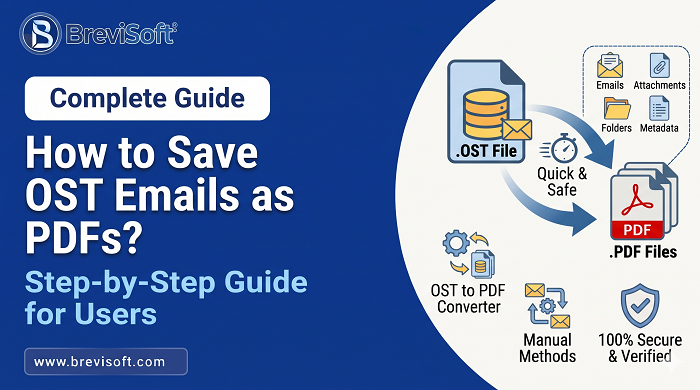
- Select what you need and choose Save as PDF.
It is useful to carry out that last step when responding to legal or audit requests; for example, if a lawyer needs all the emails that were sent to a client in 2023, they can filter the messages by date, export the results into PDF format and then send them on; the entire process takes just a few minutes and there is no need for anyone to use Outlook.
How to Move OST Data Into Other Email Clients
It is fine to use the viewing feature whenever all you want to do is read or print the emails. There are, however, situations in which you need to view the emails using a client, which is why the BreviSoft OST to PST Converter is available.
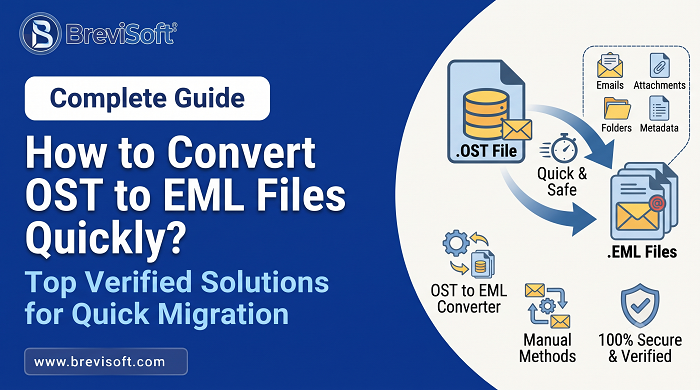
The OST file can be converted into a PST file so that Outlook can open it on any computer. Moreover, the data can be imported into other email clients such as Thunderbird by means of the available export formats. It is advisable to preview the content first and to filter it either by date or by folder, as well as to split large amounts of data so that the files remain small.
A good example is the following: the user leaves, the account is deleted, and the manager then requests that the mail be imported into Thunderbird. You convert the OST, import it, and that’s all.
What Tool Should You Choose?
- The BreviSoft OST Viewer Tool enables you to open and view OST files even if you do not have Outlook, and it also allows you to save emails or other items from your mailbox in the form of PDF files.
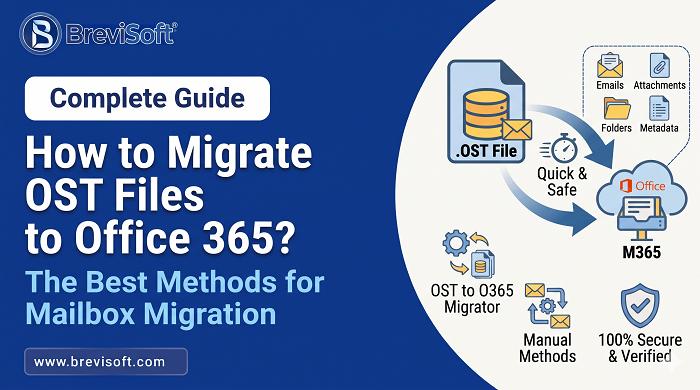
- The BreviSoft OST to PST Converter Tool is capable of converting OST files into various formats and of migrating mailbox data to email clients that are supported, including Outlook, Microsoft 365, Gmail, and Yahoo Mail.
To read and save OST data as PDF select the Viewer, or choose the Converter if you want to migrate OST mailbox data to other email clients.
Conclusion
The OST file is tied to its original profile and, when the server is no longer available, Outlook stops trying to use it. However, this does not imply that your data has been lost since the file still contains all the emails, contacts, and calendar items and you just need the correct tool to access them.
Begin by opening the file itself. The BreviSoft OST Viewer Tool allows you to open the file without needing Outlook or Exchange, lets you preview the items, and saves the relevant content as a PDF. This is usually sufficient to meet an audit request, carry out a legal review, or quickly look at an old project thread.
To get the whole mailbox back into use again, the BreviSoft OST to PST Converter will convert OST file into a PST and then import it into Outlook, Thunderbird and other email clients. Instead of waiting until the laptop has been wiped or the drive fails, test the software on one file, check the preview and then carry out the rest.
FAQs: Access OST File Without Outlook
Ans – You can use the BreviSoft OST Viewer Tool to open and view OST files without it being necessary to install Outlook or connect to an Exchange server.
Ans – The BreviSoft OST Viewer Tool allows you to access orphaned OST files, preview the items in a mailbox, and save the data that you have selected in the form of a PDF.
Ans –The BreviSoft OST Viewer Tool does allow you to view the items in an OST mailbox and save the necessary data in PDF format without using Outlook.
Ans – Convert your OST data into supported formats using the BreviSoft OST to PST Converter Tool. It also moves your OST mailbox data to compatible email clients such as Outlook, Microsoft 365, Gmail, and Yahoo Mail.