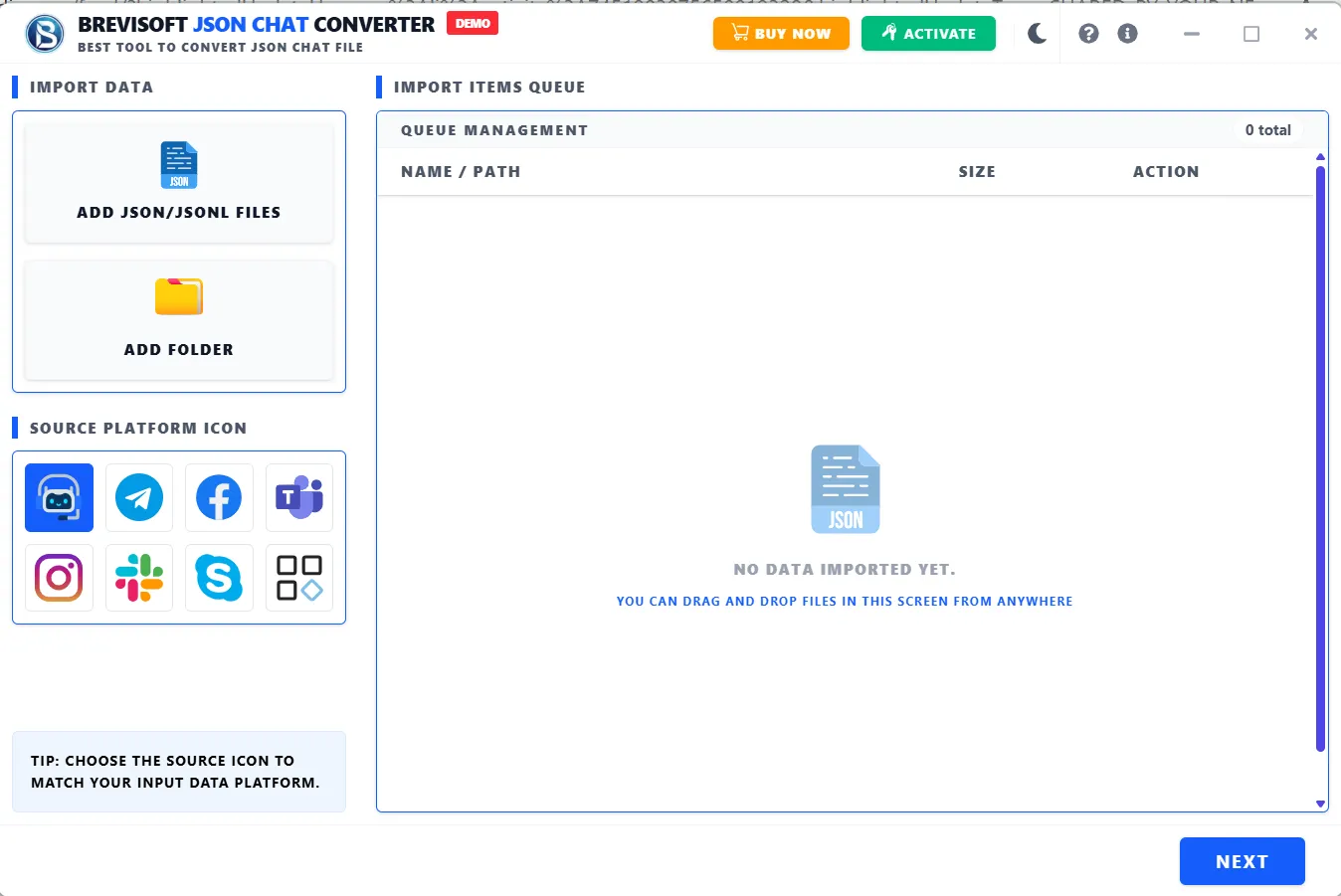
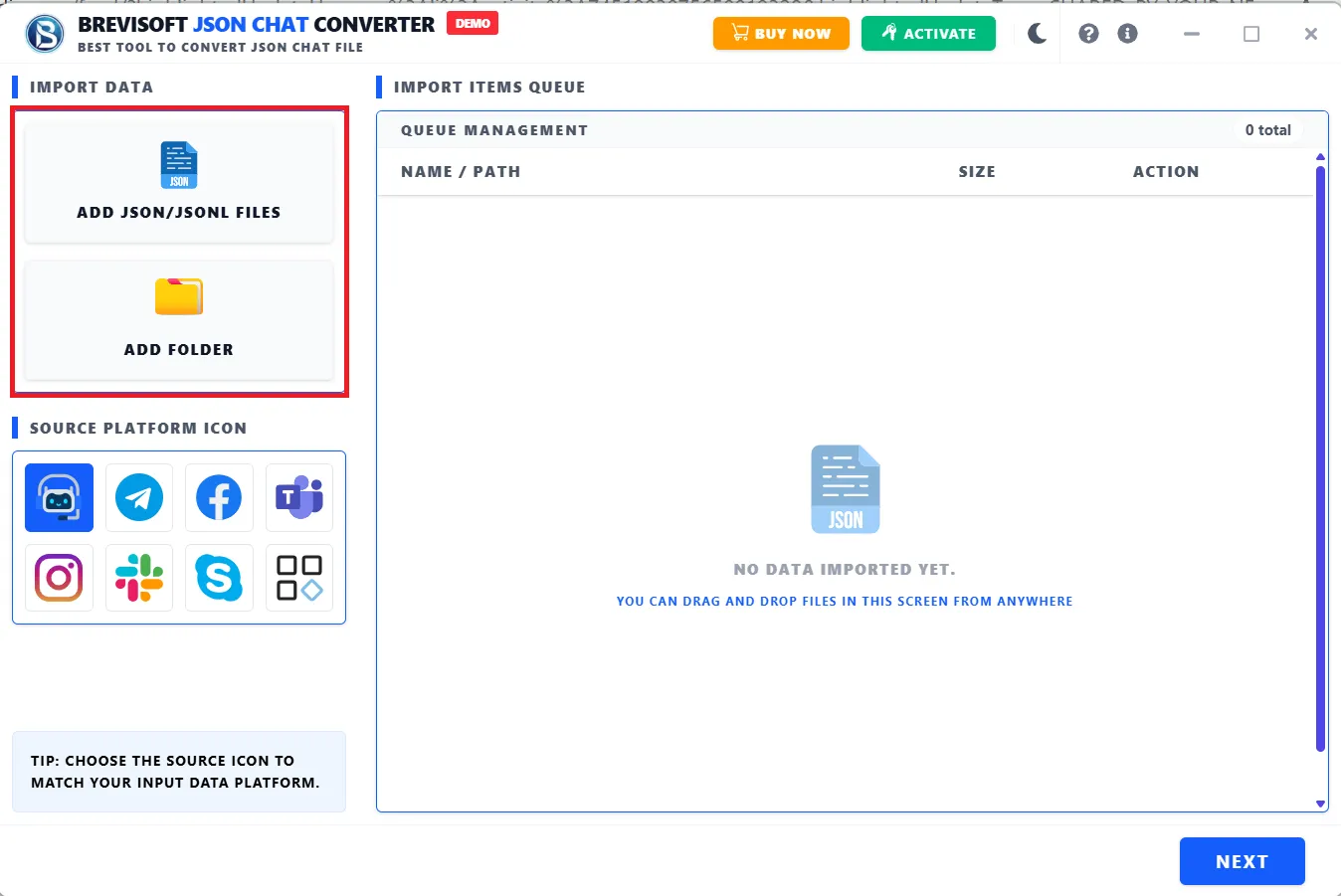
The JSON Chat Converter Tool supports all JSON chat files created by the following platforms:
ChatGPT
Claude
Gemini
Grok
DeepSeek
Meta AI
Mistral
Copilot
Perplexity
Slack
Google Chat
Skype
Microsoft Teams
Telegram
Airtable
Mattermost
Professionals opt for the JSON File Converter Tool for its precision and high-performance JSON file data conversion. It allows them to transform JSON files into multiple readable file formats while preserving structure and data integrity. Its best capabilities make it one of the ideal choices for accurate and scalable workflows. The software is built for both simple and complex datasets, which delivers fast, secure, and consistent results for data migration, integration, and analytics with minimal effort.

BreviSoft JSON Converter Software allows you to convert a JSON file into several file formats. It enables users to convert their JSON files into Document formats, Structured Data(Text/Binary), Database Files, Markup/Web formats and specialized formats.
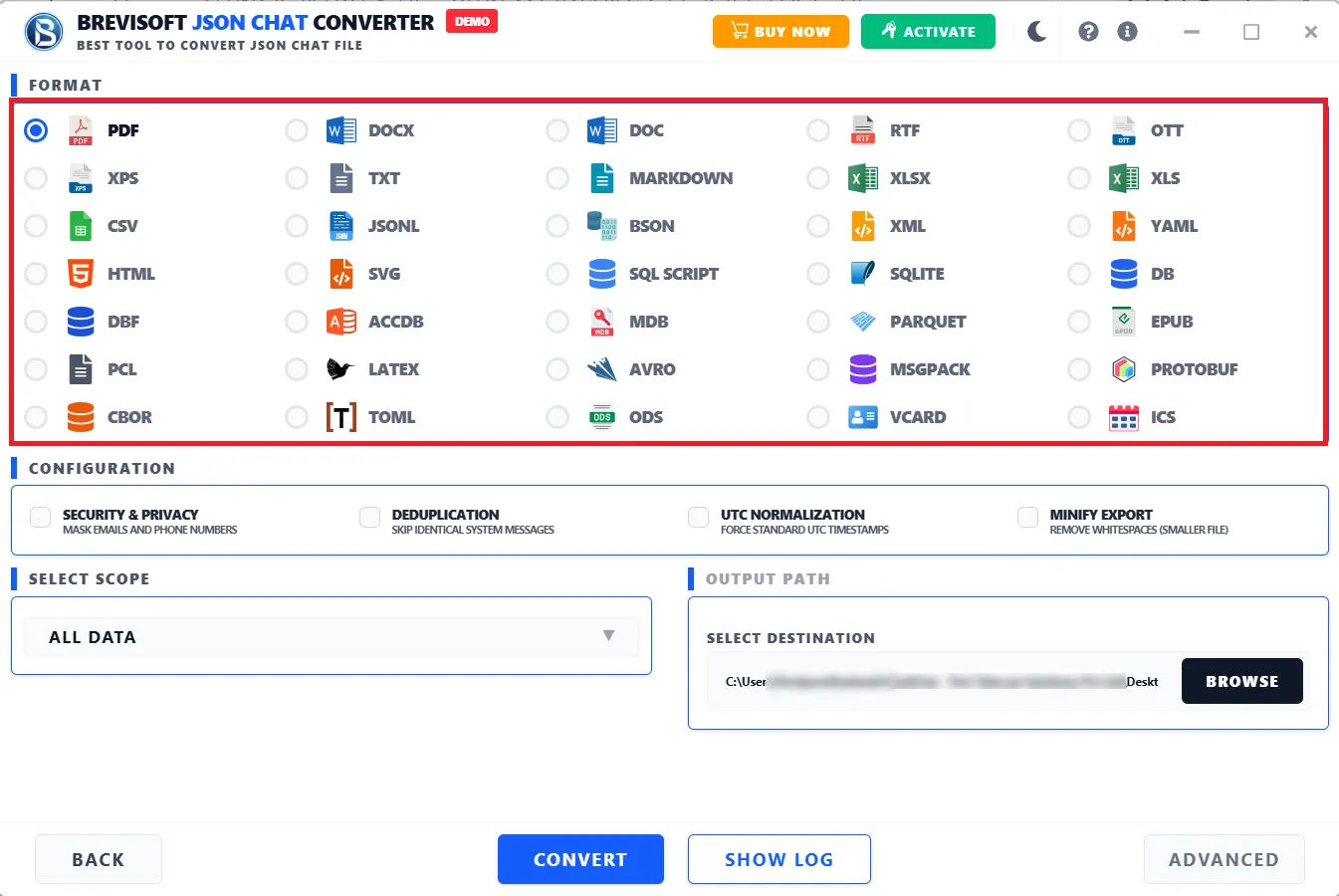
JSON Chat Converter is the most trustworthy solution for users as it allows users to convert JSON files into 30+ file formats like PDF, XPS, DOC, DOCX, RTF, TXT, MARKDOWN, LATEX, XLS, XLSX, ODS, OTT, EPUB, CSV, JSONL, YAML, TOML, etc.
Allows users to convert single or bulk JSON files into multiple outputs with built-in advanced functionalities like SHA-256 Hashing, Audit Logging, Metadata Extraction, and Delete Highlighting. These all functions make this solution differ from others, and it enables ensuring forensic integrity & traceability during conversion.
The JSON Converter Tool export 35 different file format, you can choose file format according to your needs:-
Built-in Advanced Software to Simplify JSON File Conversion for Professionals and Enterprises
BreviSoft JSON Chat Converter Software allows users to easily convert JSON files into document file formats like PDF, XPS, DOC, DOCX, RTF, TXT, MARKDOWN, LATEX, XLS, XLSX, ODS, OTT, and EPUB. Users also have an option to convert bulk JSON files into Markup / Web Formats: HTML, XML, and SVG, as per their needs, to save the data.
The JSON Converter tool is fully compatible with JSON files created by any application globally. It supports apps like Slack, Google Chat, Skype, Microsoft Teams, Instagram, Telegram, Airtable, Mattermost, Facebook, and Rocket.Chat. Apart from this, you can perform JSON conversion to specialized formats such as SQL SCRIPT, PCL, vCard, and ICS.
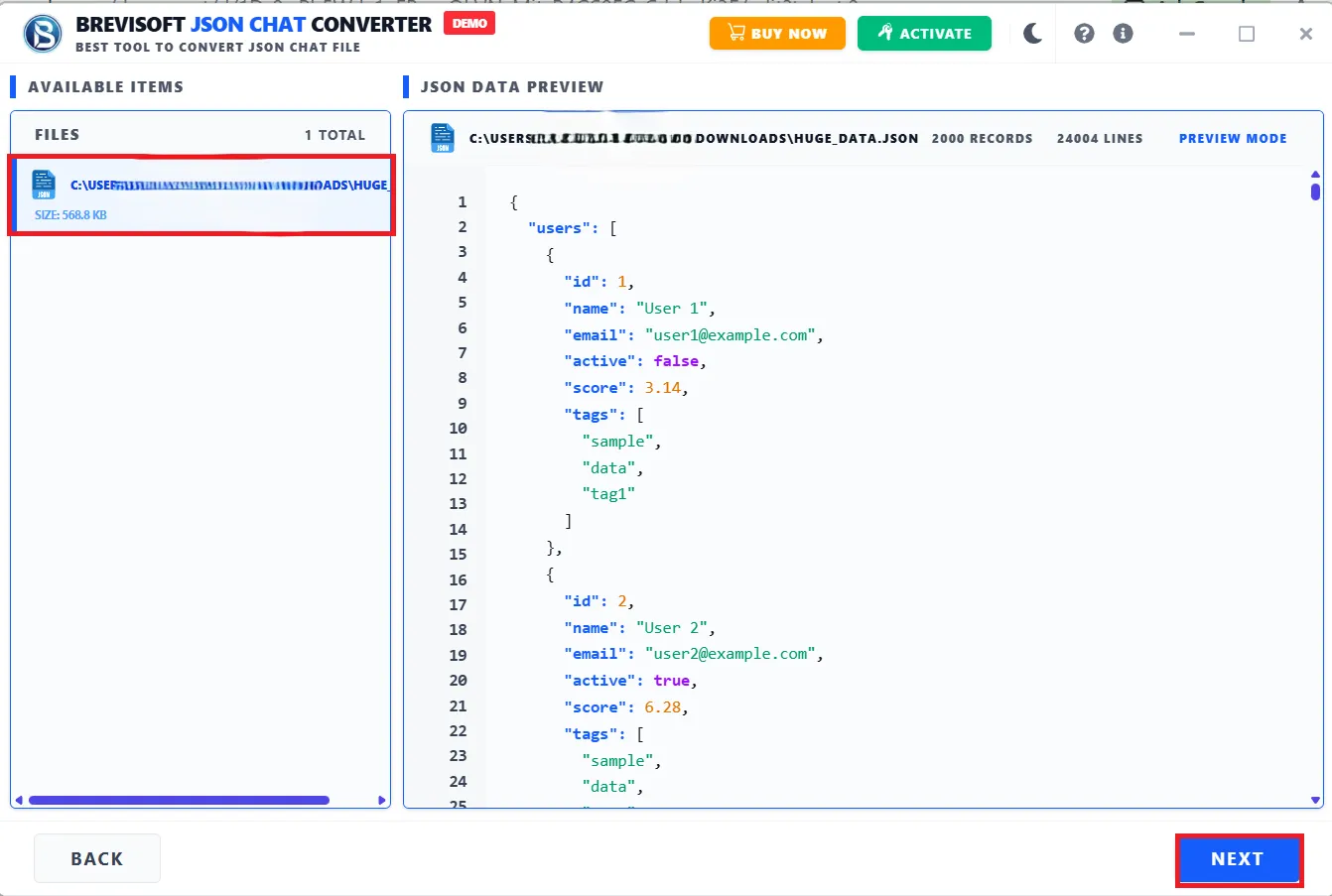
The JSON Converter software lets users preview JSON File data completely, like their whole code, and the total number of records and lines. View all content before JSON file conversion. Moreover, the software facilitates capabilities to convert JSON files into multiple Database file formats, like ACCDB, MDB, SQLITE, DB, and DBF.
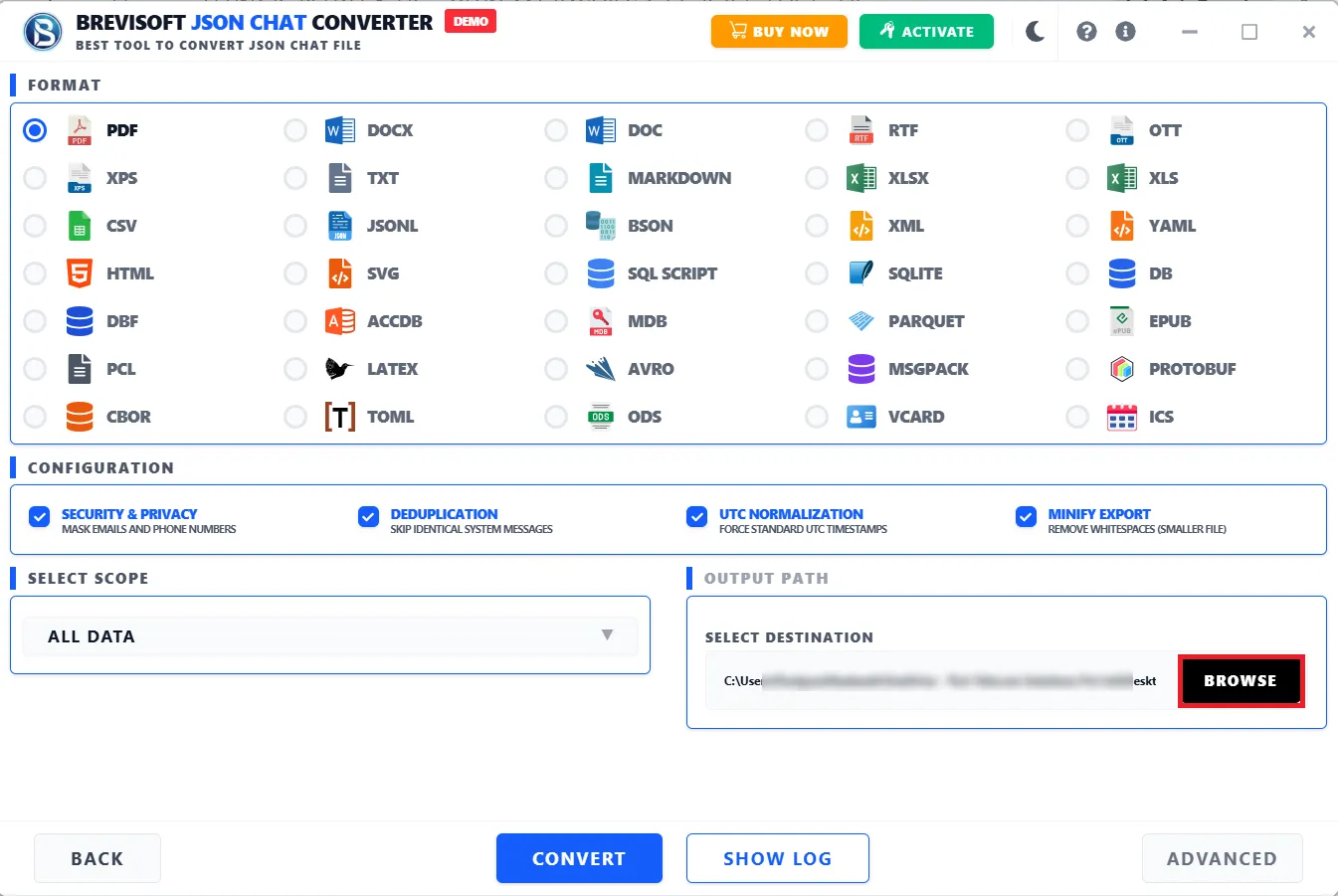
The tool is designed with a powerful algorithm that allows users to mask emails and phone numbers with the help of Security & Privacy features. It helps to hide sensitive info like present in the chat content and ensures privacy protection and compliance. You can also opt for the deduplication feature to remove duplicate records (same message/data repeated) and keep your dataset clean and relevant.
Keep content secure and unchanged after conversion with our trusted JSON file converter software. The software allows users to perform metadata extraction, which helps users to extract hidden info from media files like: location (GPS), device used and timestamp. Additionally, one can also mark deleted messages or records clearly by opting for the delete highlighting feature.
The software allows you to get all your JSON file content into several Structured Data formats (Text & Binary). It is competent enough to convert JSON to CSV, JSONL, YAML, TOML, BSON, CBOR, MSGPACK, AVRO, PARQUET, and PROTOBUF in their original quality.
Using this JSON File Converter Tool, users can perform JSON file conversion to other readable file formats based on multiple scopes. It basically allows users to perform filtering and target extraction of JSON content by following these processes:
Convert JSON files by enabling the UTC Normalization and Manify Export features. These two features allow us to convert all timestamps to UTC (Universal Time), which is useful for analysis, sorting, and system compatibility and removes spaces, line breaks, and indentation to make file lighter for storage & fast transfer.
The JSON File Converter itself contains two incredible features that help perform deep JSON file conversion and apply advanced settings to obtain more effective information and output files. SHA-256 hashing generates a unique fingerprint of the data, and it is useful for proving data integrity (tamper-proofing). Audit logging creates a log of what was processed, when, and by whom.
JSON Converter Software is designed to assist users across different operating systems. Whether you're using any version of Windows, the JSON Converter is capable of running on it and ensuring smooth and hassle-free JSON conversion. It also includes a simple and easy-to-use interface that allows users of all levels to use the utility effortlessly.
Professionals, teams, and individuals across every industry
Ensure your system meets all software and hardware requirements for a smooth JSON file conversion experience
Demo Limitation
Limitations
The demo version of BreviSoft JSON Chat Converter Tool allows you to convert up to 25 files into other formats for free with limitation.
System Specifications
Hard Disk Space
1000 MB of free hard disk space required
RAM
4 GB is recommended
Processor
IntelยฎCoreโข 2 Duo CPUE 4600@ 2.40GHz 2.39GHz
Application
Pre-Requisites
Run the tool as Standard/Guest User without asking for admin privilege:
Supported Editions
FAQs
Please Disable Anti-Virus Temporarily / Allow access (Whitelist) from Anti-Virus Settings for proper working of the software.
Please avoid sources from NAS, SAN, Network or Shared Drive. Source file should be on migration machine to perform successful migration.
Electronic Delivery
Our delivery process is completely automated. Once your payment is confirmed, an email will be sent to you within a few minutes containing the download link and your activation key.
Compare Free vs. Full Version and Explore All Capabilities of the Software
| Features | Demo Version | Full Version |
|---|---|---|
| Add JSON Chat Files | ||
| Preview Chat Data | ||
| Selective Conversion | ||
| Advanced Filters & Settings | Limited | Full Access |
| Number of Chats Conversion | Limited (e.g., 25 chats) | Unlimited |
| Batch Conversion | ||
| Multiple Export Formats | Limited | 25+ / Full Formats |
| Maintain Chat Attributes | Basic Support | Complete Preservation |
| Custom Save Location | ||
| Folder / Bulk Upload | ||
| Speed & Performance | Standard | High-Speed Processing |
| Technical Support | 24/7 Support | |
| License / Cost | Free | $29 |
Trusted by Professionals & Enterprises Worldwide
TechRadar highlights that the JSON File Converter Tool delivers impressive performance when handling a large number of files. Its ability to retain structural accuracy during conversion makes it particularly valuable for data-intensive environments and professional workflows.
G2 says about this software that it is very easy to use and does exactly what it promises. It enables users to convert single as well as multiple JSON files into other document file formats like PDF, DOC, RTF, TXT, without losing structure, and the process was smooth even for complex data.
Capterra A well-balanced and unique solution that allows users to perform JSON file conversion into 30+ other readable file formats. Its clean interface, along with reliable conversion capabilities, makes it suitable for both beginners and experienced users.
SoftwareSuggest This tool offers strong value with its advanced features, which are capable of performing forensic analysis. It provides benefits such as SHA-256 hashing, audit logging, metadata extraction, and delete highlighting, and these capabilities make it one of the best choices in the market.
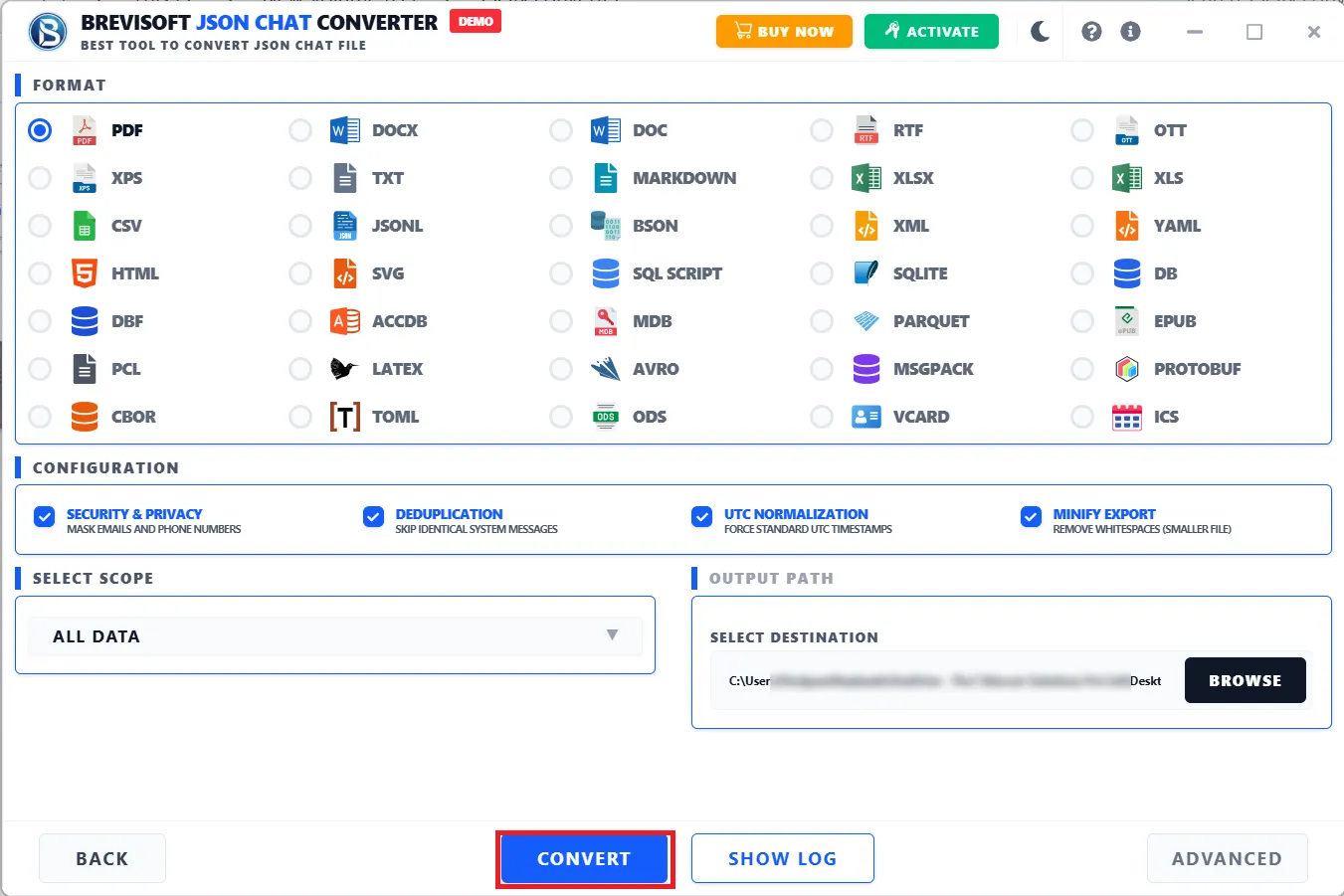
Following are the simple steps to convert JSON files into PDF file:
This JSON Chat Converter is designed with a highly advanced algorithm which offers users around 30+ saving file formats. Below is the list of total files according to their types:
Yes, the configuration functionalities in the software are very unique and advanced. They enable smoother conversion of JSON files. It includes various functionalities, which are given below:
Users can easily convert JSON to Excel Online by following the steps below:
Yes, the JSON File Converter tool has an advanced scope option which allows you to control what data gets included during conversion.
Advanced Settings provide enhanced features for data security, traceability, and forensic analysis:
Yes, this JSON Converter download offers a free version that allows users to convert 50 items per folder without investing a single penny.
What Users Are Saying About BreviSoft JSON Converter
The BreviSoft JSON File Converter helped to manage my large JSON files. It allows me to convert thousands of JSON files to PDF format quickly and keep the original layout. The tool saved our technicians time and made the entire process smooth.
I had 10 JSON files containing chats extracted from Microsoft Teams, and I needed to share them with a friend. However, since the files were in JSON format, they were not easily readable. So, I looked for a way to convert them into a more readable format. I found BreviSoft JSON Converter Software, which offers 30+ file-saving options. I converted all 10 JSON files into Word format and shared them with my friend. It is one of the best solutions I have ever used.
As an IT expert, I had a bundle of JSON files (approximately 250 files, each 50 GB). After testing the Brevisoft JSON to PDF Converter software, it's the best JSON Converter with advanced capabilities. It easily converts all my JSON files to multiple PDFs for easy data management, ensuring no data loss. I highly recommend this software.
An JSON to SQL Converter should be able to convert all the content and other data items from JSON files to SQL file format without losing any data. BreviSoft JSON to SQL Converter can do it without any hassle and helps me to access its data into the database in an easy manner. It stands out for its high accuracy, preserving file properties like number of records and lines during conversion.