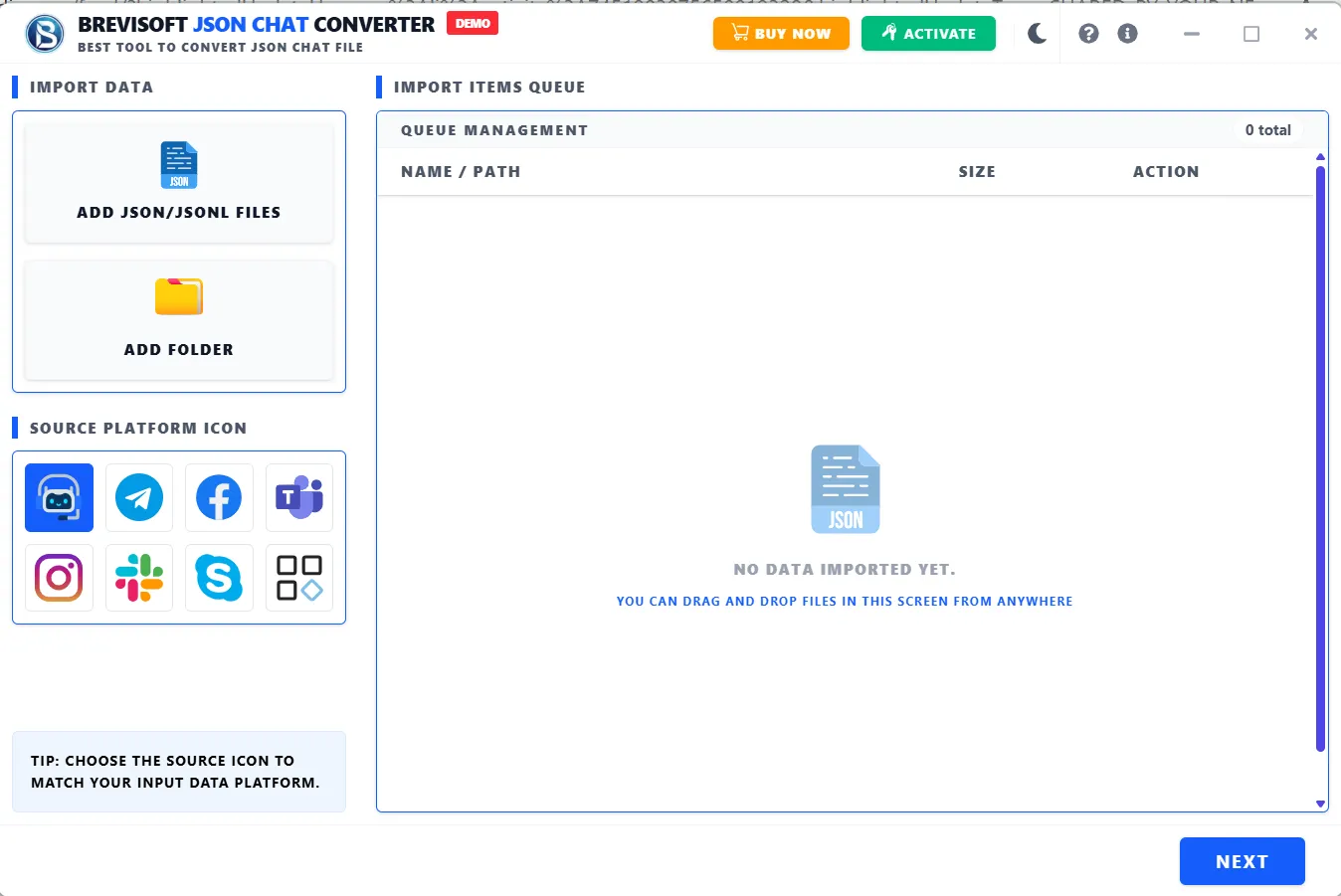
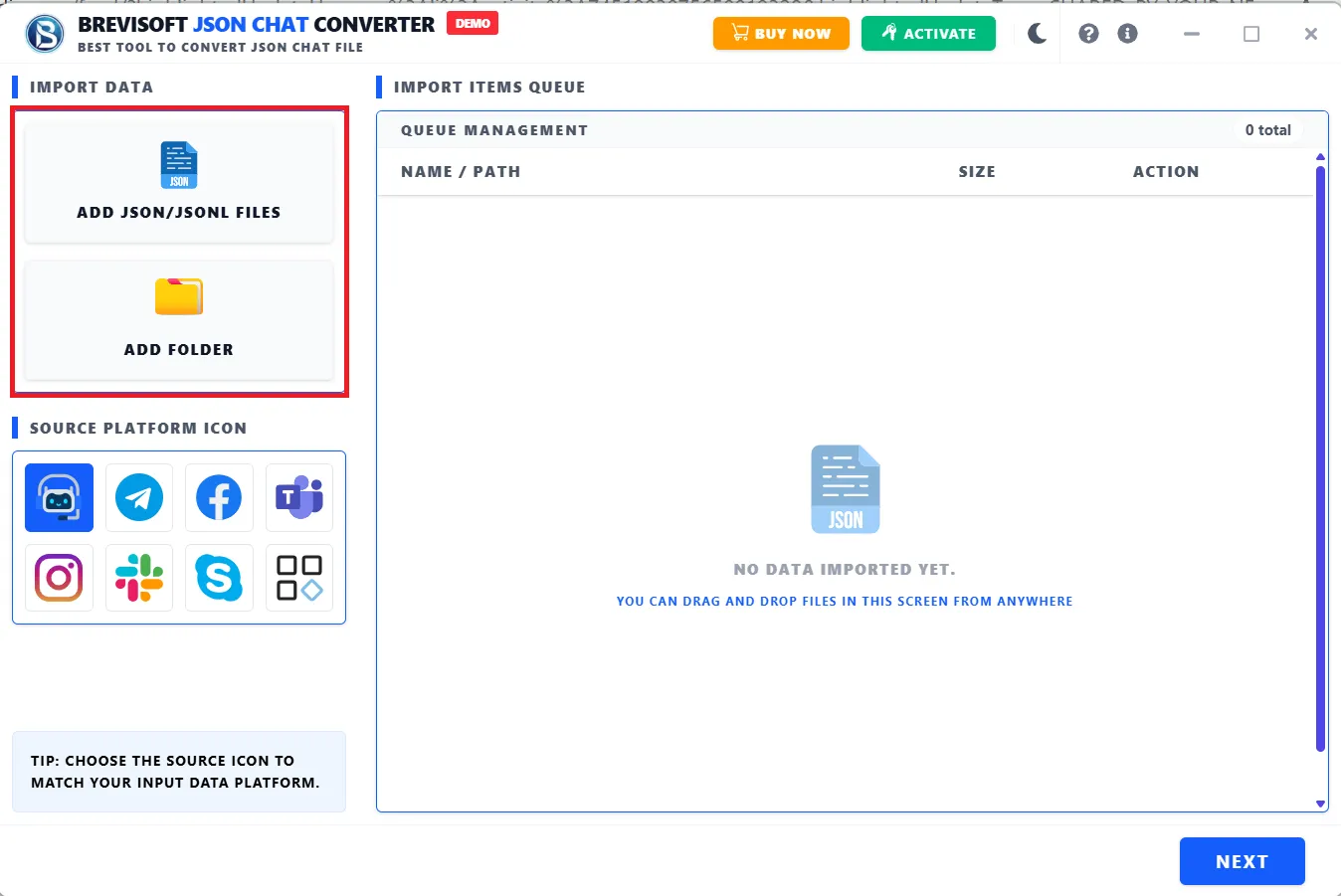
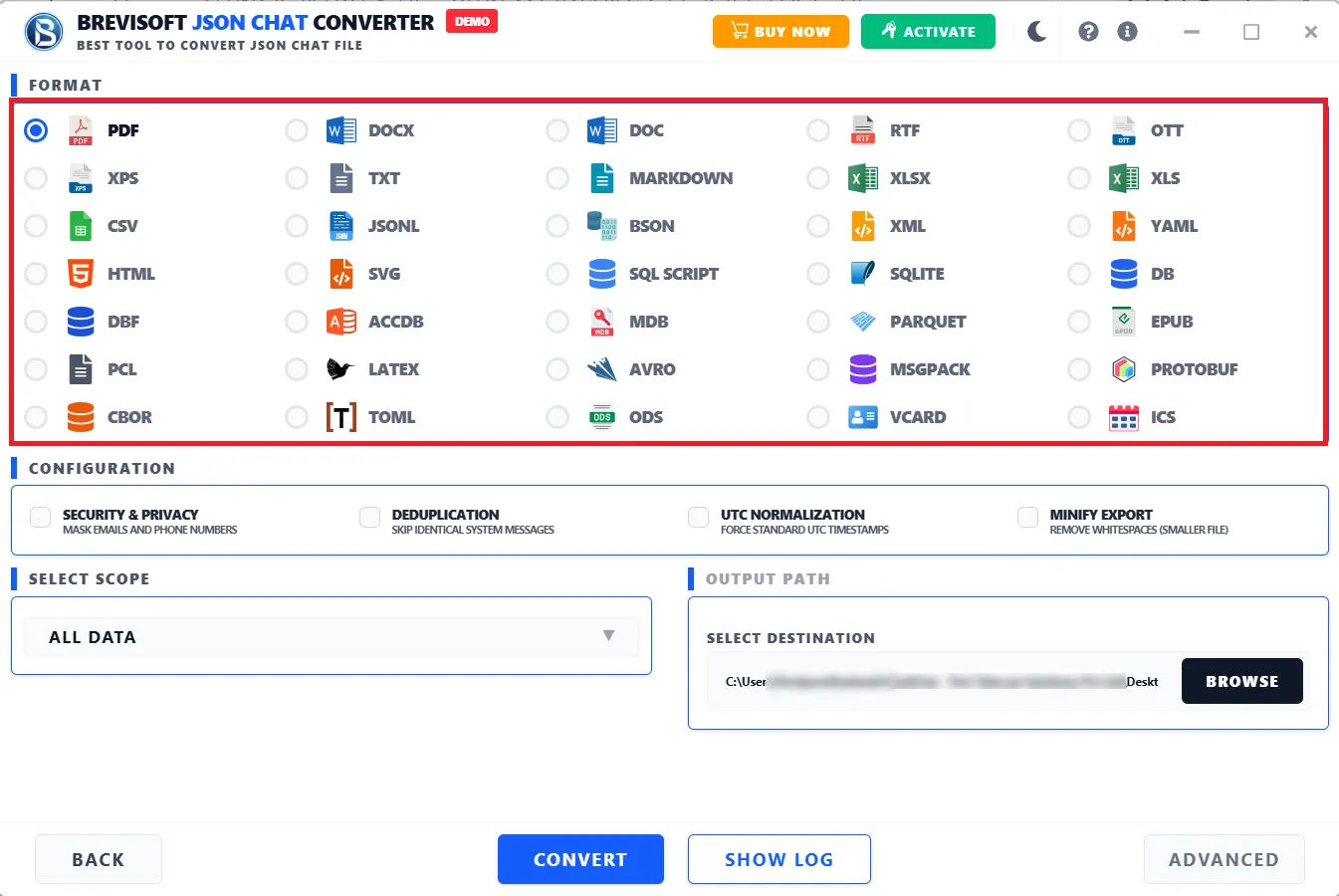
Launch the BreviSoft JSON to PDF Converter and add one or multiple JSON files that you want to convert into PDF format.
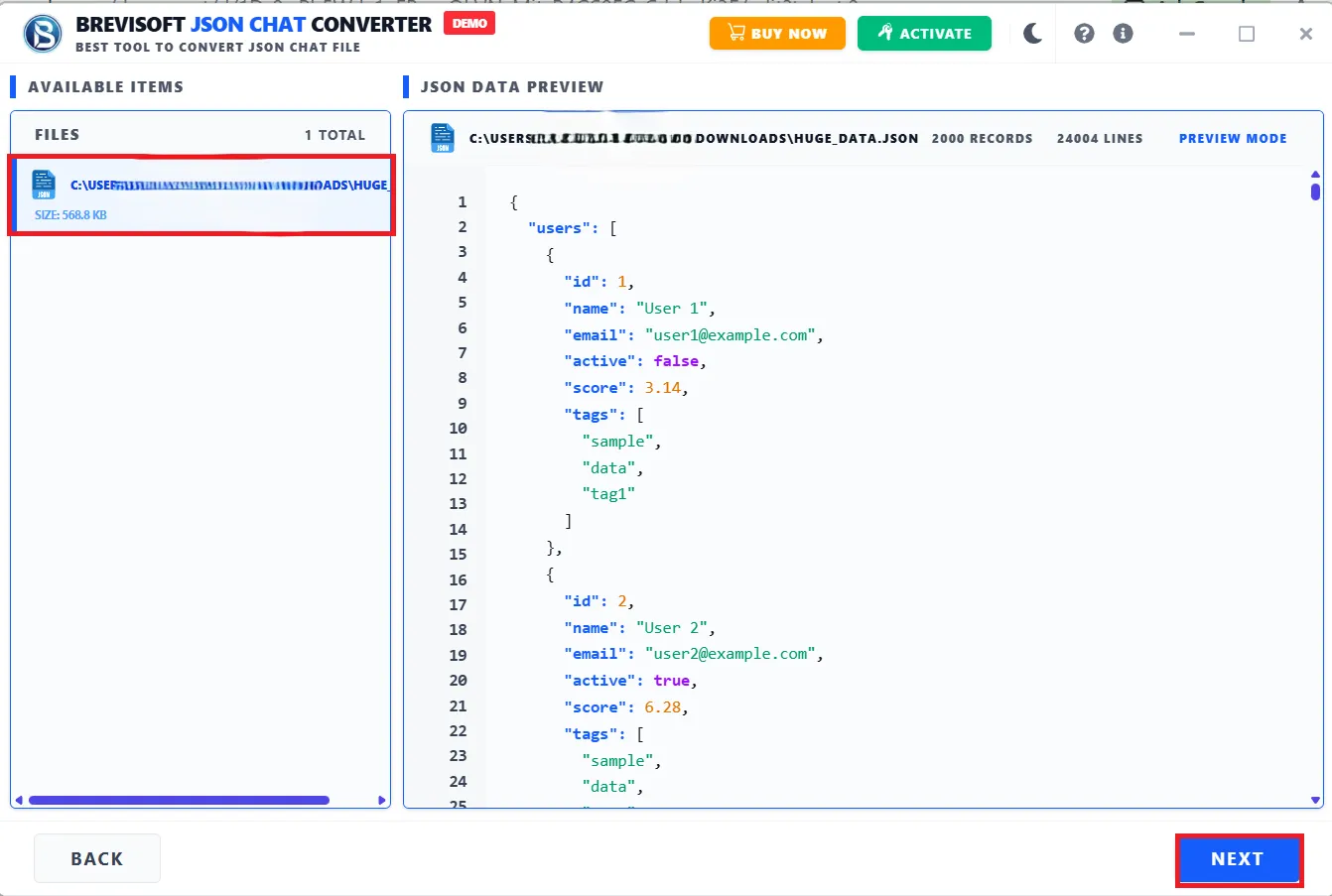
Scan the selected JSON file and preview its structured content to verify the data before starting the conversion process.
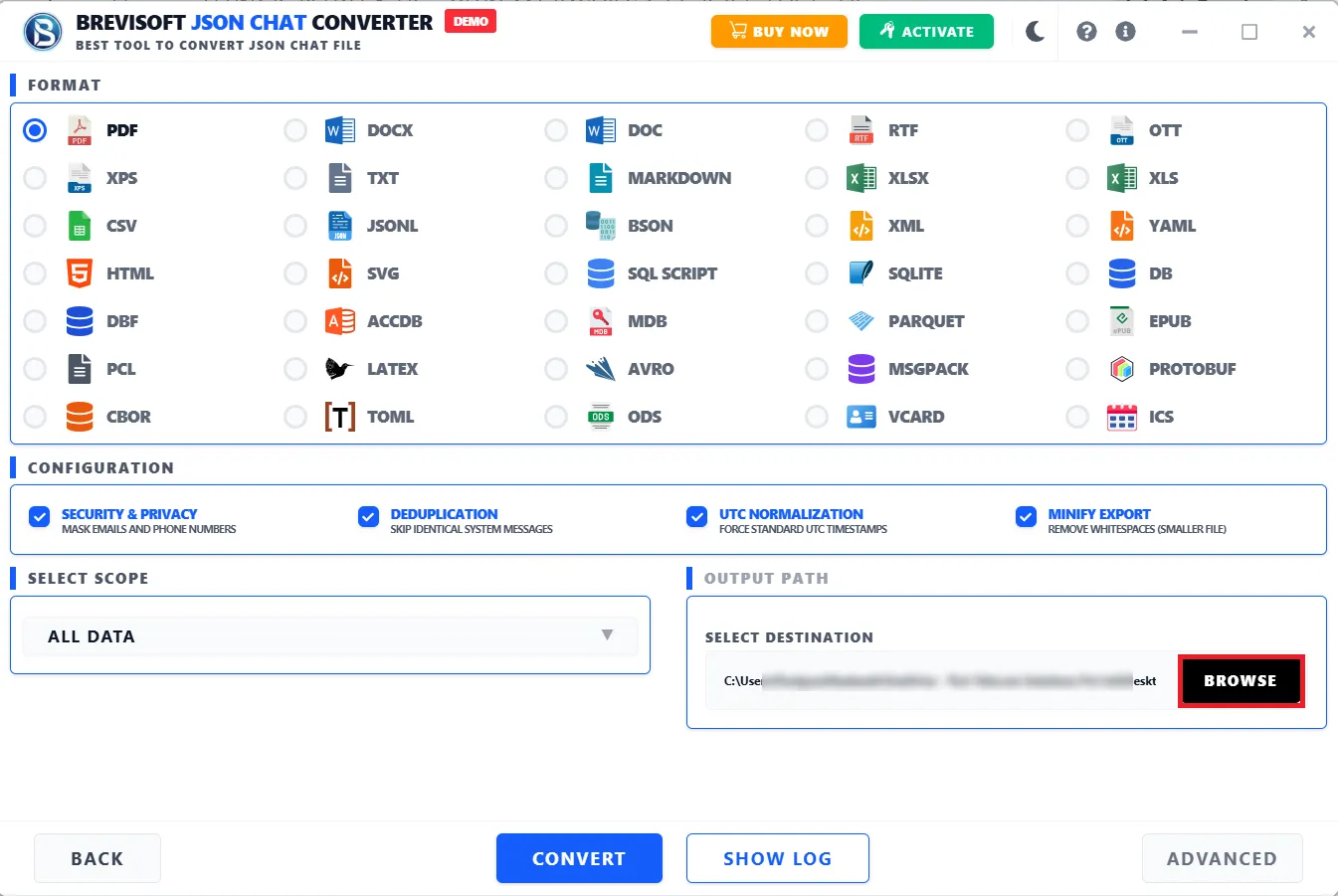
Select PDF as the destination format and configure the required output location before saving the converted file.
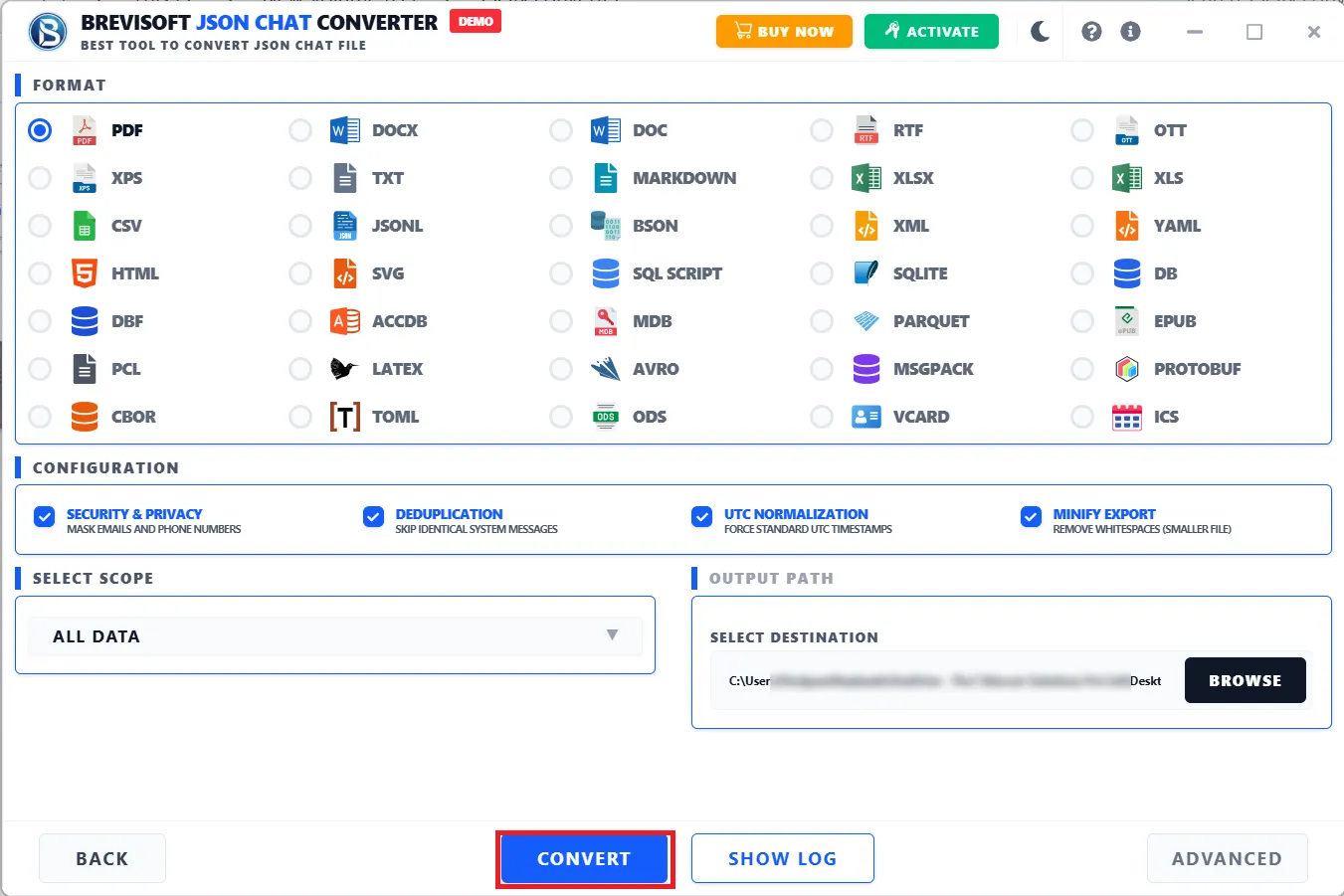
Click the export option to convert the selected JSON data into a PDF file and save it at your preferred destination.
JSON is great for storing and exchanging data, but it's not exactly print-friendly. Try handing a raw .json file to someone outside your dev team and watch their eyes glaze over. Converting it to PDF makes the content easy to open, print, and file away, no matter what device someone's using. If you're putting together a business report, internal documentation, or just need a clean copy for the records, this does the job without any manual formatting.
Not everyone wants to open a JSON file and parse through brackets and key-value pairs. Turning it into a PDF means you can send it to a colleague, client, or stakeholder in a format they already know how to use. It opens on pretty much any device, and it looks like an actual document instead of raw code.
If you're keeping historical records or building out documentation, a PDF snapshot of your JSON data is often more useful than the raw file. It's easier to organize, search through, and hand off later, especially if you're not the one who'll be reading it next.
APIs, developers, and data systems rely on JSON constantly, but it's rarely the right format for everyday sharing. Instead of copy-pasting content into a document editor and formatting it by hand, just load the file, check it over, and export straight to PDF.
Before you commit to a conversion, you can scan and preview the file's contents. Handy if you're working across several files and want to make sure you've grabbed the right one, or just want a last look before exporting.
Four steps, no technical background needed: add, preview, select PDF, export. If you've never touched JSON processing in your life, you can still get a usable PDF out of this.
PDF is the format everyone already knows how to open, print, and share. Once your JSON data is converted, you're not stuck sending raw files to people who'd rather not deal with them. You've got a document they can use immediately.
If your JSON data needs to end up in a report, project record, or reference file, this tool skips the manual conversion step. Load it, convert it, and you've got a document-ready copy for whatever you need it for.
No scripts, no command-line configuration. Just a guided process from file selection to export. Because you can preview your data before finalizing anything, it's harder to accidentally convert the wrong file.
Demo Limitation
Limitations
The Trial Demo lets you export up to 25 items per folder or file, completely free, so you can test the BreviSoft JSON to PDF Converter tool before upgrading to the full version.
System Specifications
Hard Disk Space
1000 MB of free hard disk space required
RAM
4 GB is recommended
Processor
Intel®Core™ 2 Duo CPUE 4600@ 2.40GHz 2.39GHz
Application
Pre-Requisites
Run the tool as Standard/Guest User without asking for admin privilege:
Supported Editions
FAQs
Please Disable Anti-Virus Temporarily / Allow access (Whitelist) from Anti-Virus Settings for proper working of the software.
Please avoid sources from NAS, SAN, Network or Shared Drive. Source file should be on migration machine to perform successful migration.
Electronic Delivery
Our delivery process is completely automated. Once your payment is confirmed, an email will be sent to you within a few minutes containing the download link and your activation key.
| Features | Demo Version | Full Version |
|---|---|---|
| JSON File Selection | Full functionality | Full functionality |
| JSON Data Preview | Available | Available |
| JSON to PDF Conversion | Evaluation/Limited | Full Conversion |
| PDF Export | Limited/Evaluation | Limited/Evaluation |
| Technical Support | Limited | Full support |
| Cost | Free | $29 |
CNET BreviSoft JSON to PDF Converter provides an easy-to-use interface, efficient conversion, and convenient options for creating PDF documents from JSON files.
Software Informer The software offers a straightforward workflow with JSON file preview and smooth PDF export, making JSON-to-PDF conversion simple for users.
Softonic BreviSoft JSON to PDF Converter delivers a user-friendly conversion experience with practical features for converting structured JSON data into PDF format.
Software Suggest A practical JSON to PDF Conversion Tool that provides simple file selection, preview, conversion, and PDF export capabilities for professional users.
The software converts JSON files into PDF documents. Add, preview, and export in a few clicks.
Yes. Select your file, preview it, choose PDF as the output, and export.
Yes, four steps: add, preview, select PDF, export. No technical background needed.
No, it's a desktop application, not a browser-based tool. You'll need to install it.
Because raw JSON isn't easy to read, print, or share with people outside your technical team. PDF fixes that.
Yes, there's a preview step so you can check the content before exporting.
Developers, IT staff, data analysts, business users. Really, anyone who needs a readable PDF from JSON data.
BreviSoft JSON to PDF Software – Verified Purchase Reviews
BreviSoft JSON to PDF Converter provides a straightforward way to turn structured JSON information into readable PDF documents. The preview option is particularly useful because I can check the source data before completing the conversion.
I needed a simple JSON File to PDF Converter for documentation tasks. BreviSoft made the process easy to understand, from adding the JSON file to exporting the final PDF. The interface is simple enough for routine conversion work.
The JSON to PDF Software offers a convenient workflow for creating PDF copies of JSON data. I liked being able to preview the selected file before conversion. It saves time compared with manually preparing the data for documentation.
BreviSoft JSON to PDF Converter is useful when JSON data needs to be shared in a more accessible document format. The conversion process is simple, and the step-by-step interface makes it easy to create PDF output.